How to make a portfolio in Canva (without it getting ignored)
· Guide · 3 min read
Canva is a genuinely good place to build a portfolio. Here is how to do it well, and the few things that quietly get one ignored.
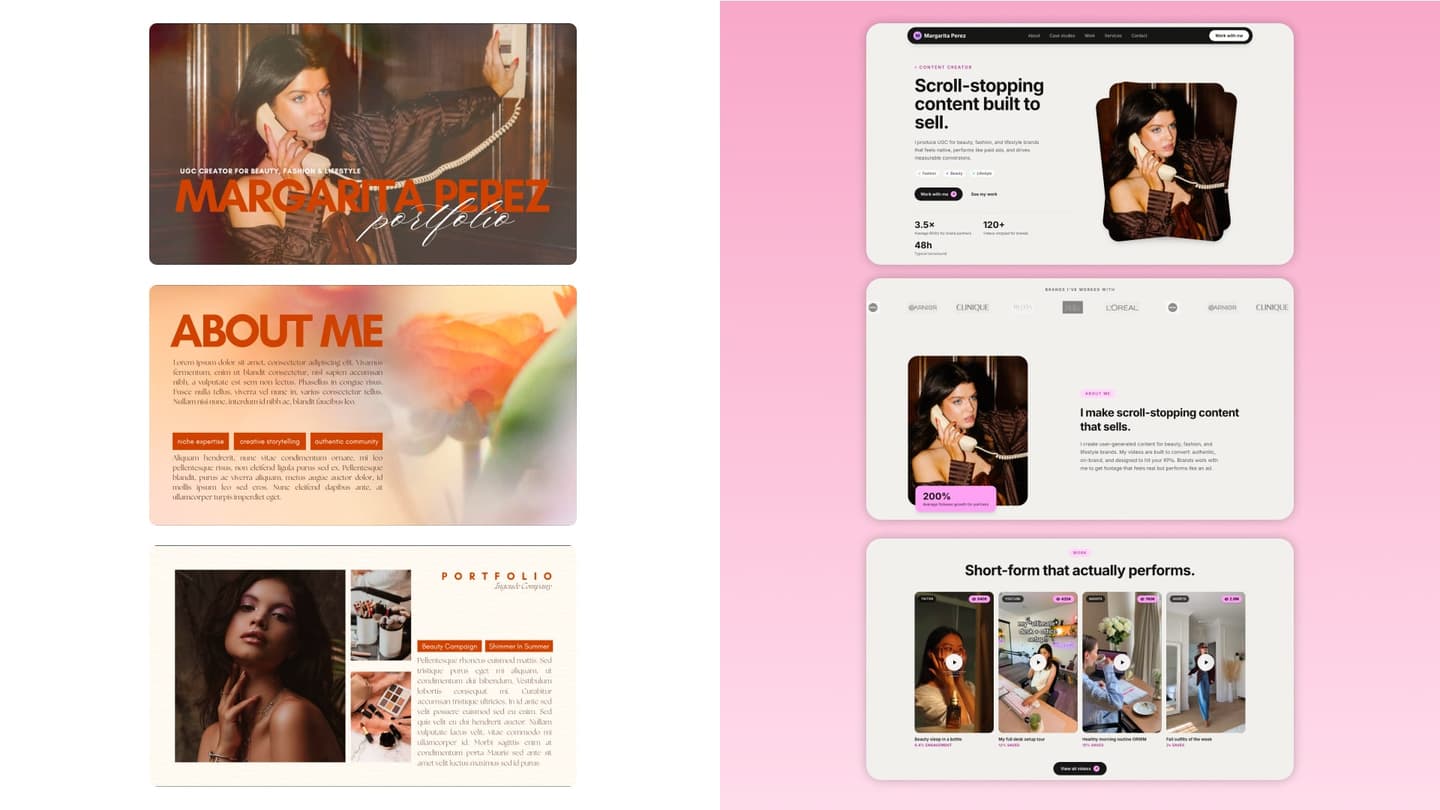
Canva is where most people start when they need a portfolio, and that is a reasonable place to start. It is free, the templates look sharp, and you do not need a designer. If you are working out how to make a portfolio in Canva, the process below is the one that actually holds up: pick a template that fits your work, write each section like someone is skimming it, and put real results next to the work.
What Canva will not do is write it. It hands you a good-looking template and leaves every word, and every layout call, to you. Plenty of Canva portfolios turn out fine. The ones that get ignored usually get ignored for a handful of small, fixable reasons, so it is worth knowing what they are before you send yours.
How to make a portfolio in Canva, step by step
Pick a template that fits your work
Search "portfolio" in Canva's template library, then filter by what you actually do. Image-heavy grid layouts suit UGC, photography, and design (if you are a creator, there is a full guide on how to make a UGC creator portfolio); case-study layouts with room for text suit marketing, strategy, and anything where the thinking matters more than the visual. Choose the page size for how it will be read: presentation size for a screen, A4 or letter if you know it is going to be printed or attached. Aim for six to ten pages, and cut the template's decorative filler pages before you write anything.
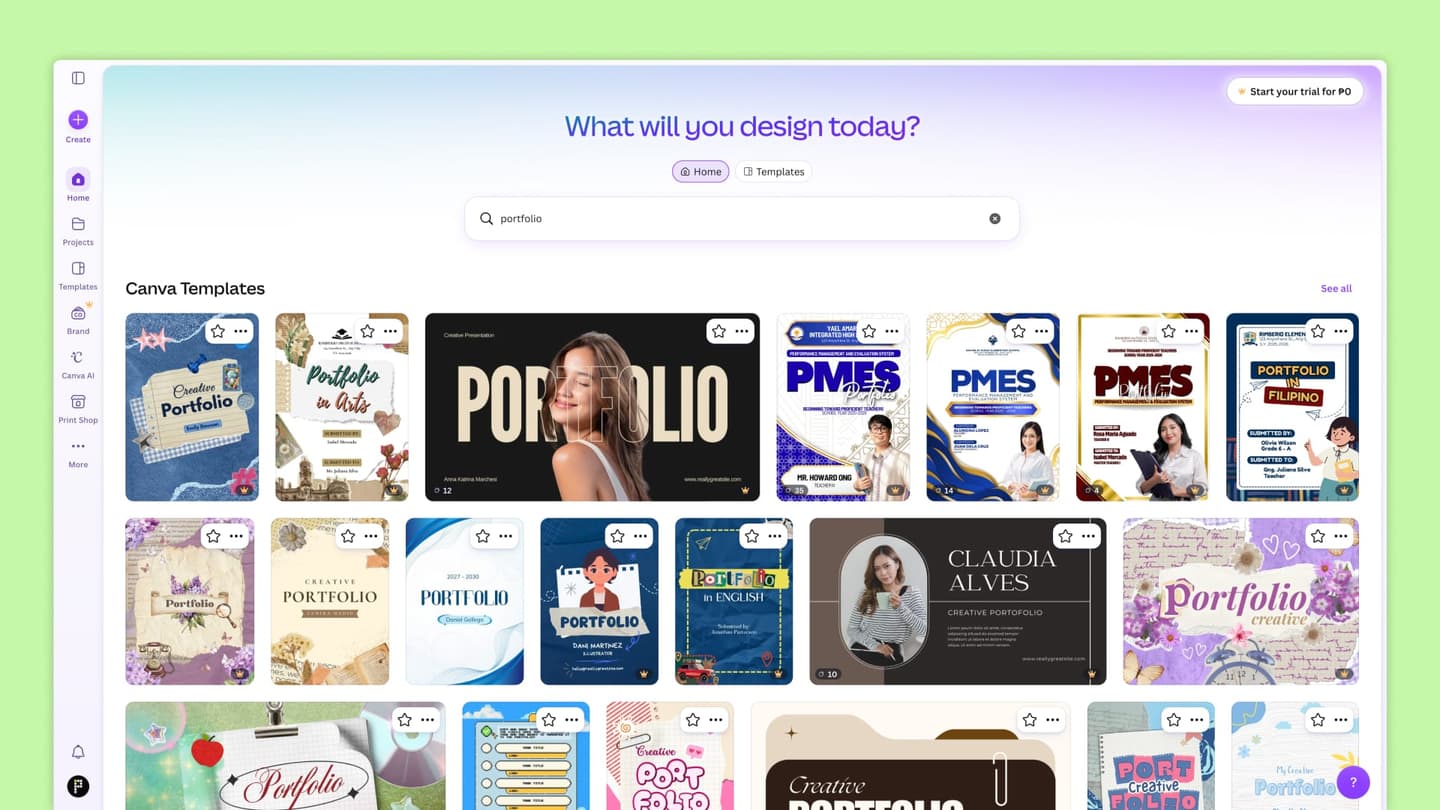
Canva's template library, searched for portfolio. Two layouts work best: an image-first grid and a case-study layout with space for text. Write each section like someone is skimming it
Your intro is two or three sentences: who you are, who you work with, and what you do for them. Each project gets three lines: the brief, what you made, and what happened after. Cut the process talk, the mood boards, and any sentence that starts with "passionate about". If a line does not tell a stranger what you can do for them, delete it.
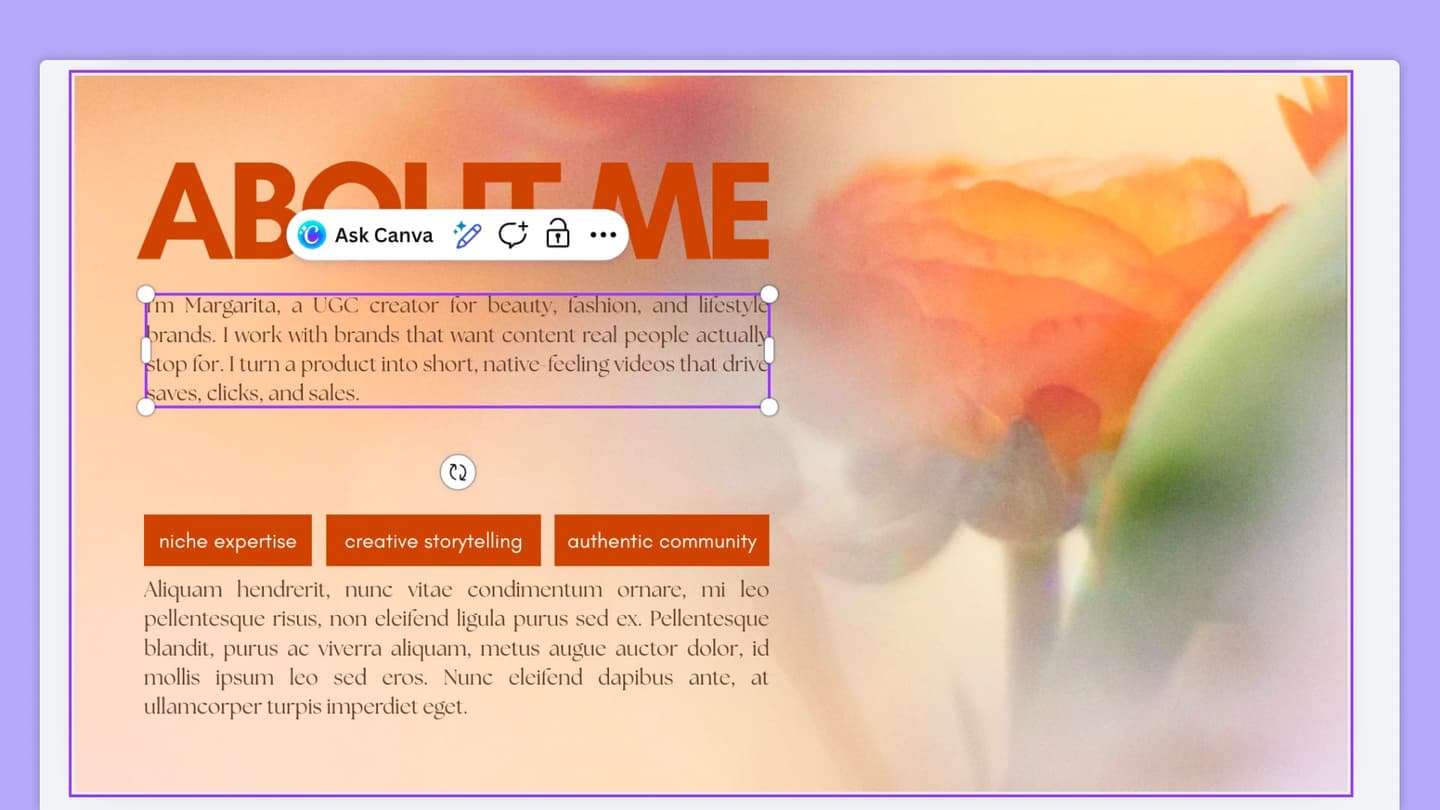
A Canva about section cut to three tight lines: who you are, who you work with, and what you do for them. Add your projects and the results behind them
Three to five projects is enough, and lead with your strongest. A result is a number or an outcome: views, sales, sign-ups, a follower jump, a client who rebooked. If a project has no numbers, say what it solved and who it was for, which is still a result. Put the result on the same page as the work, in a size you can read at a glance, because that is the line people stop on.
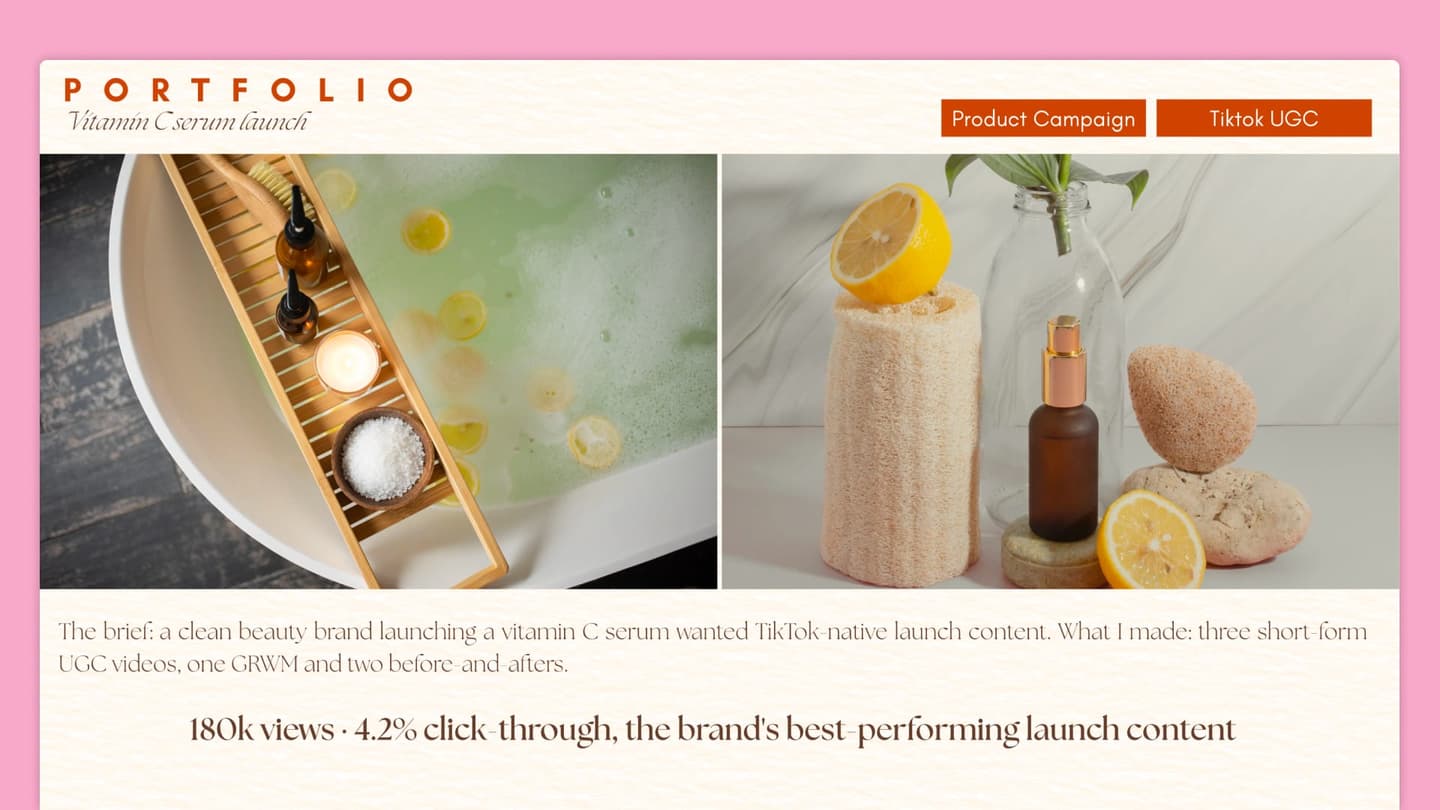
A Canva project page with the result as a large line right under the work, where the eye lands, not buried at the bottom. Export it, or publish it as a link
Canva gives you both options, and they are not equal. Publish as a website and you get a link that opens in one tap, which is the version to send. Export a PDF only when someone specifically asks for a file, keep the file lean, and name it with your name and role so it does not land as "portfolio-final-2.pdf". Either way, open it on your phone before you send it, because that is where it is going to be read.
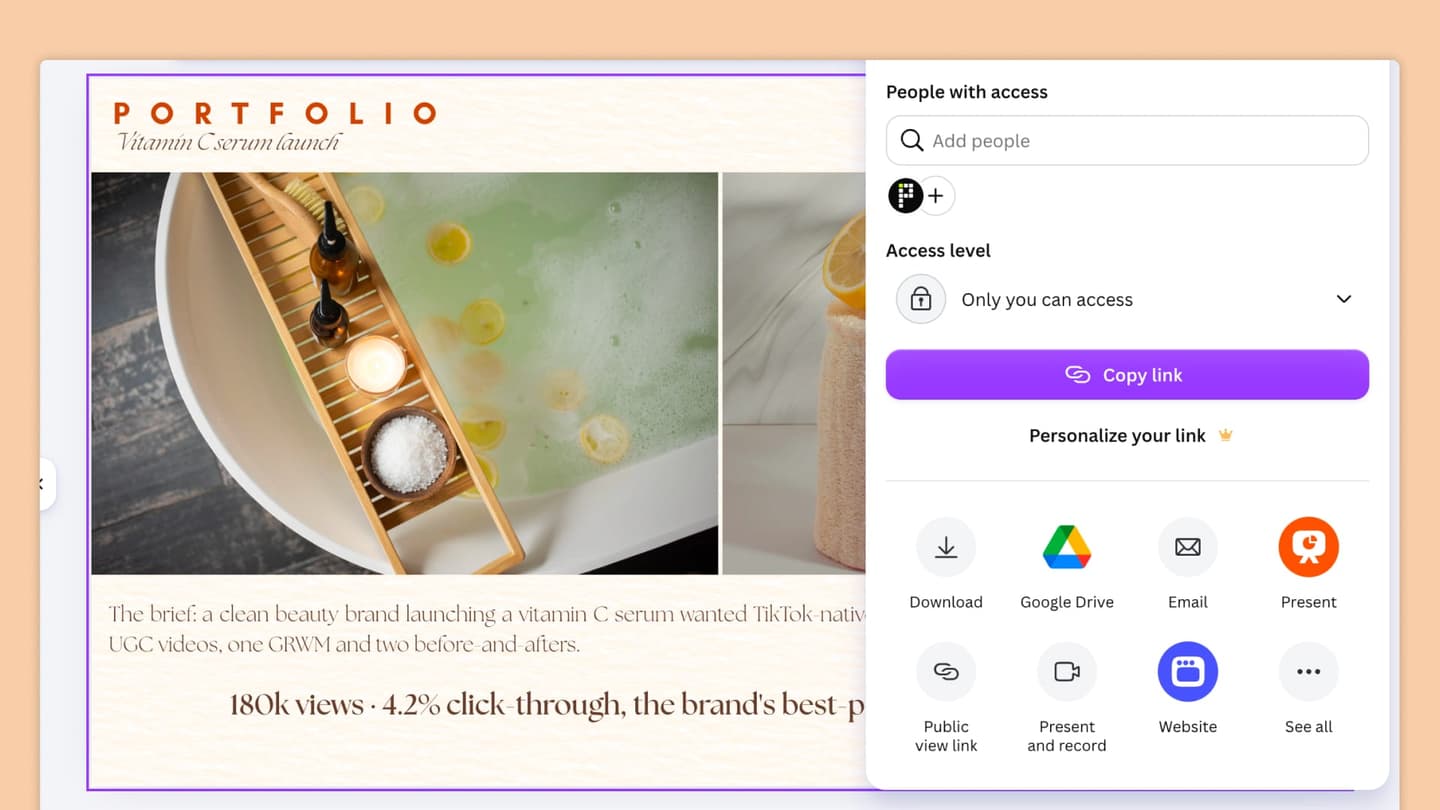
Canva's share menu. Website publishes a link to send, Download saves a PDF for when someone asks for a file.
The work gets you in the room. The portfolio decides if you make it there.
A few things that quietly get a portfolio ignored
It never got made
A portfolio is a design job and a writing job at once, and having to do both is what stalls people before they ever ship it.
It reads like everyone else's
Generic sections in a generic order, nothing shaped around what you actually do, so nothing stands out.
It buries the results
It leads with a job history instead of the outcomes, so the line a reader would stop on is three scrolls down.
It is a pain to read on a phone
Most links get opened on a phone, and a layout built for a desktop page is awkward there.
| Canva | Portfoliofy | |
|---|---|---|
| Writing | You write every word yourself | Written for you, in your voice |
| Structure | A blank layout you arrange | Sections built for your role, already in place |
| On a phone | You resize for mobile yourself, and it often still breaks | Mobile-first, reads right on any screen |
| Updating it later | Every change is a design job again | Edit any line, the layout holds |
Writing
- Canva
- You write every word yourself
- Portfoliofy
- Written for you, in your voice
Structure
- Canva
- A blank layout you arrange
- Portfoliofy
- Sections built for your role, already in place
On a phone
- Canva
- You resize for mobile yourself, and it often still breaks
- Portfoliofy
- Mobile-first, reads right on any screen
Updating it later
- Canva
- Every change is a design job again
- Portfoliofy
- Edit any line, the layout holds
What to do instead
If a portfolio is not getting replies, a better template rarely fixes it. What changes things is not having to build it yourself: the words written for you instead of a blank page, sections shaped around what you do, a layout that reads right on a phone, and the ability to update it later without starting over. That is what Portfoliofy does. You answer a few questions about your work, and you get a portfolio with the copy drafted for you, on your own link. It is free for 14 days, no card needed.
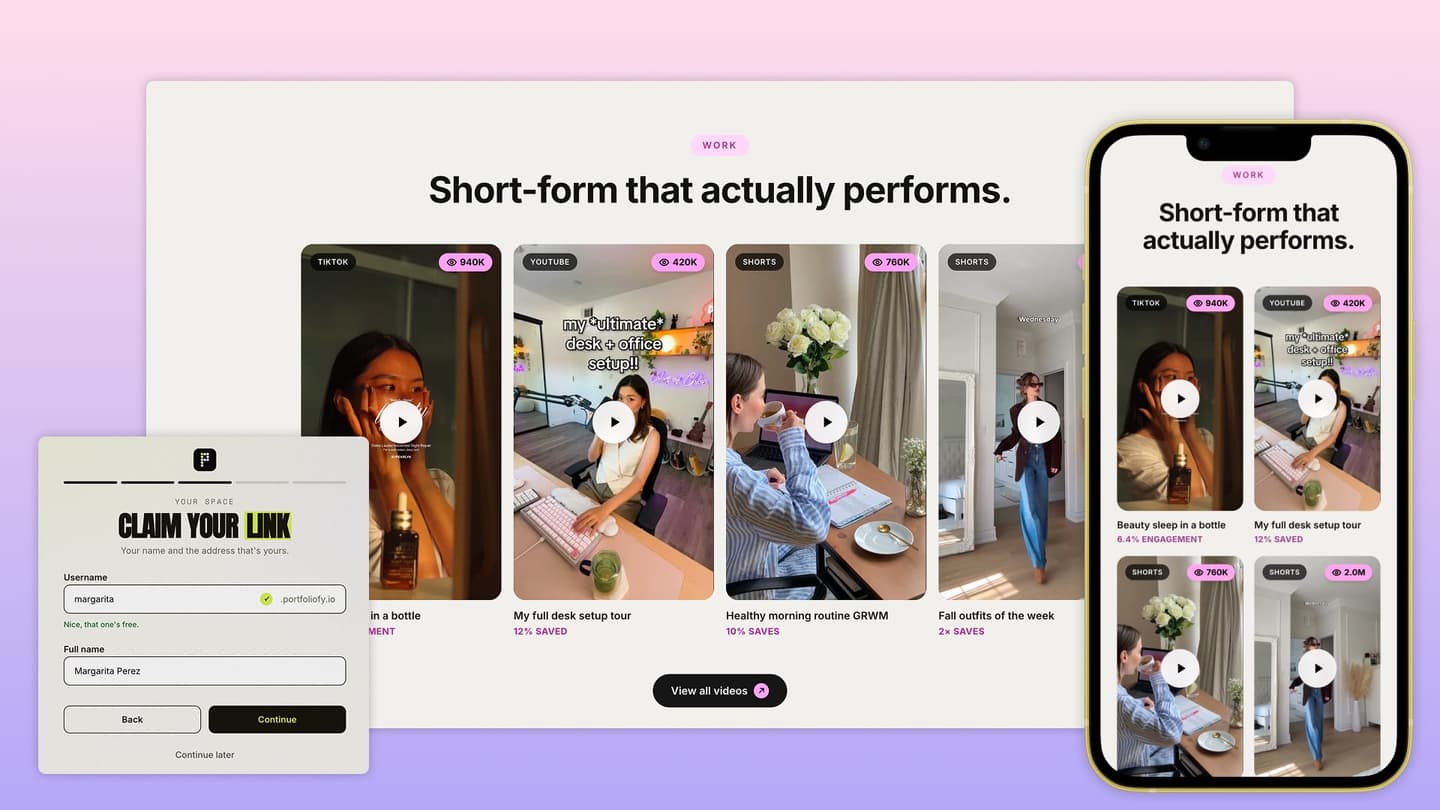
Free 14-day trial. No card needed.
Canva is a good place to build a portfolio. This is the version you do not have to write or design yourself.